NOTE: Please make sure that you are logged in to your social media accounts prior to connecting your Secret Virtual Blogging Assistant to lessen the time needed to connect them.
1. Log in to your WP-Admin dashboard. (Credentials provided in the email.)
2. On the dashboard’s sidebar menu, Look for ‘Tools’ and hover then a menu will pop up. Click ‘Marketing’ on the menu.
3. Click on “Connections”.
4. Click ‘Connect' on your social media accounts.
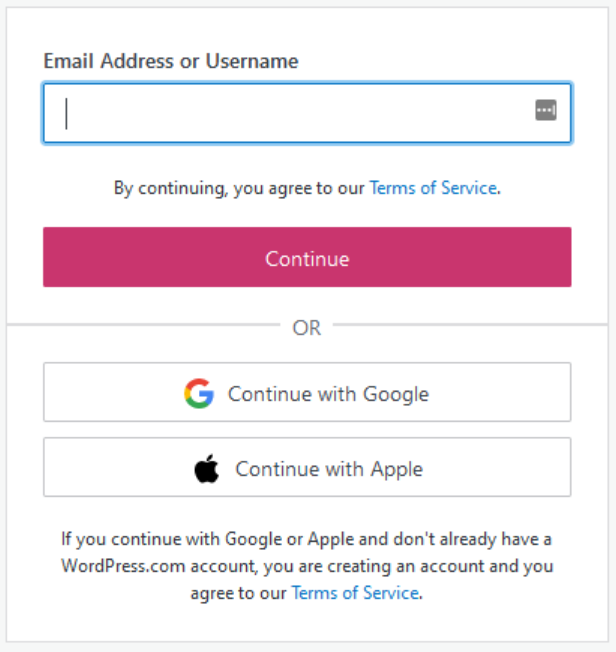
NOTE: If it will open a new tab to a Login page. Use the login we provided. After Logging in, we will receive an email with a link and we will send it to you.
Once this is complete, you will now be able to automatically post your blogs to your social media pages.
Comments
0 comments
Please sign in to leave a comment.