1. Log in to your website’s dashboard. (Your logins are provided in the email.)
2. On the left-side control panel, select “Forms”.
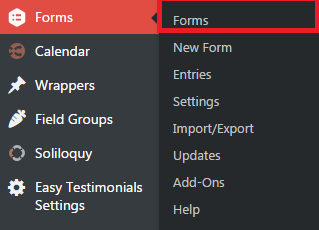
3. A list of your existing forms will appear. To edit them, hover your mouse over the form of your choosing and select “Edit”.

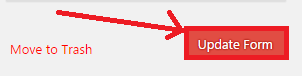
4. On the Form Editor, apply the edits that you want to implement. Once done, click on “Update Form”.
Comments
0 comments
Please sign in to leave a comment.