IDX Broker offers two levels of usership to log in to your IDX Broker account. The main login is the broker level and allows unlimited access to all aspects of the IDX back-end. A secondary user level is called the agent level and this can be used to provide access to users with restrictions. This allows the agents access to only the information that they will require.
You are given a broker level login, which means you will have access to all utilities of your account’s back-end.
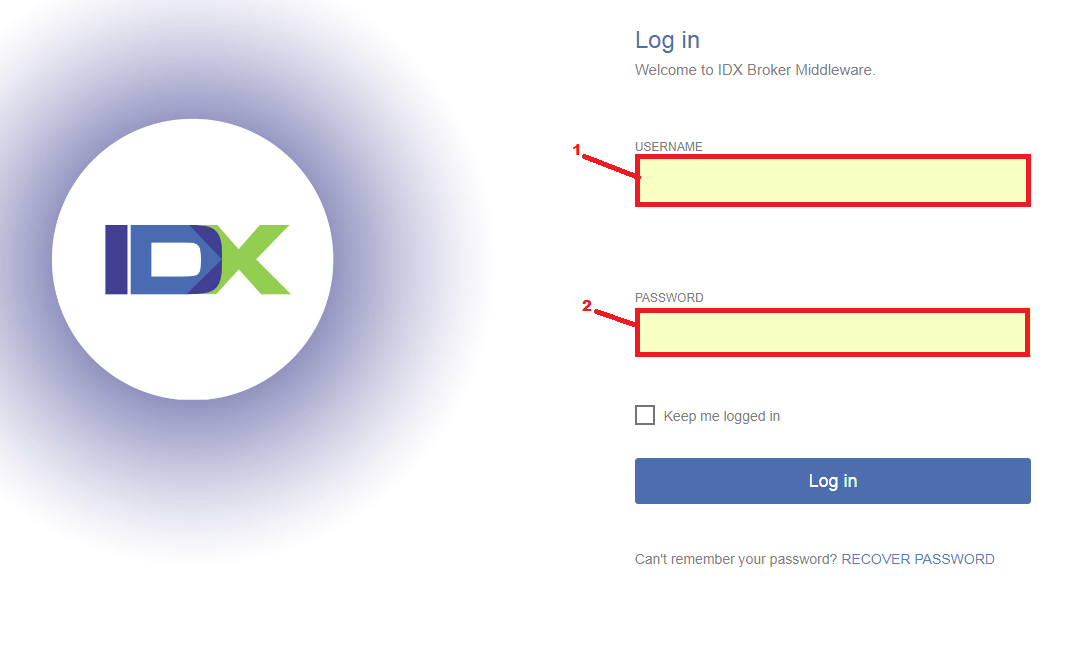
To begin, go to https://middleware.idxbroker.com/mgmt/login.php and input your login credentials on the fields provided on the top-right.
Your dashboard’s main navigation bar contains seven items:
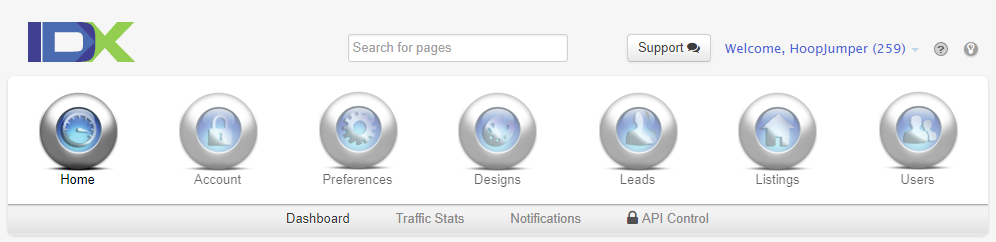
Home - this section provides you an overview of your IDXBroker account. You can view daily updates, emails and traffic stats on this page.
Account - this section is where you can view the complete details of your IDXBroker account, including billing, contact management, upgrade option, and password management.
Preferences - this section allows you to edit the options for how your properties are displayed on your website, what information is displayed, and your MLS features.
Designs - this section allows you to edit the options for how your IDX pages and widgets would appear on your website.
Leads - this section allows you to manage your website’s leads, their registration options, and how they are imported or exported into your website.
Listings - this section provides you options for managing your IDX listings and how they show on your website, creating supplemental listings, changing the status of listings, and syndicating listings from other sources.
Users - this section allows you to add and manage agent accounts, as well as office and roster display options.
Comments
0 comments
Please sign in to leave a comment.